You are here
Gallery
Wed, 05/08/2013 - 13:11 — tinb
Here are some screenshots to give you an impression on how iRedTouch looks like:
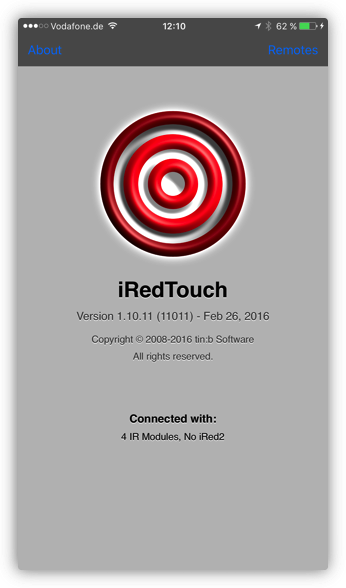
Settings:
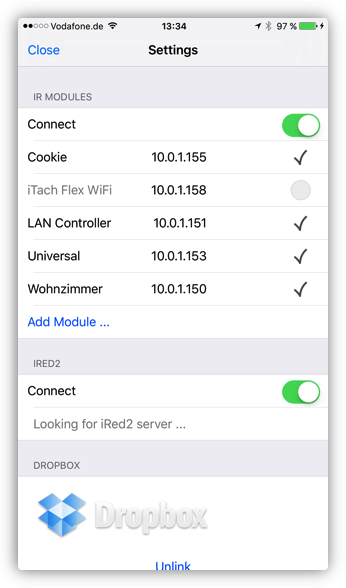
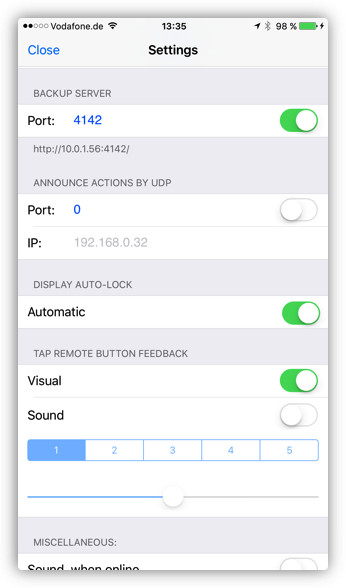
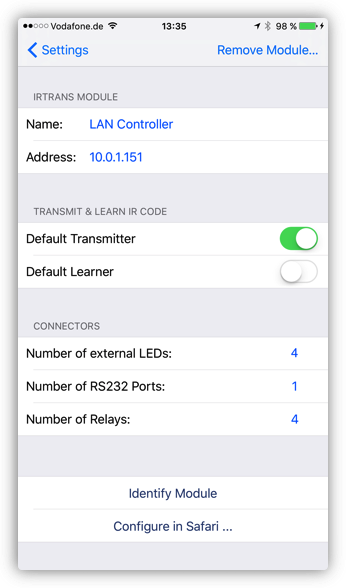
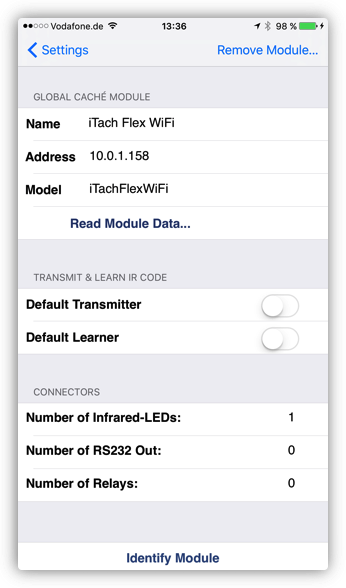
IR Module Settings for IRTrans and Global Caché modules:
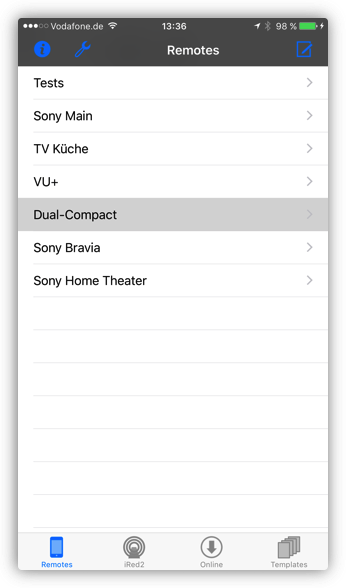
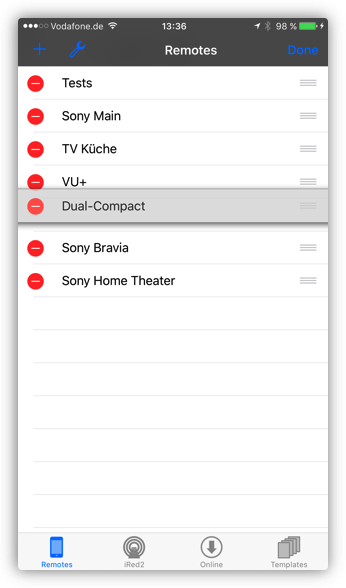
Manage your remotes:
Use a remote:
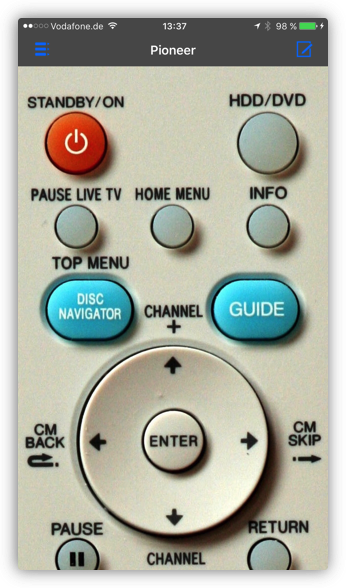
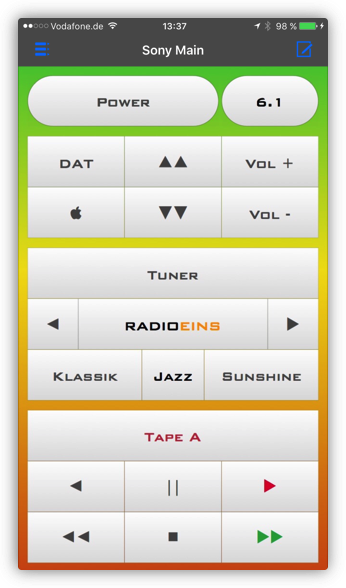
Create a new remote in 3 simple steps:
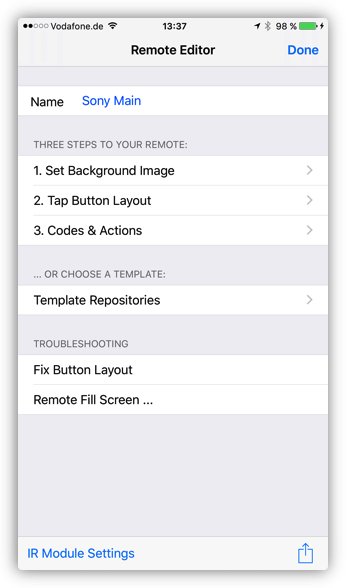
1. Get background image from 3 different sources, e.g. from your built-in Photo Album:
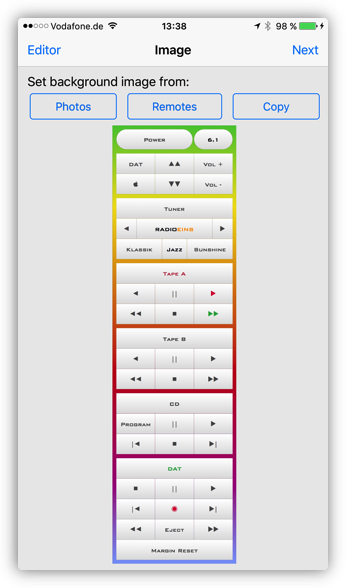
2. Tap onto the photo to create buttons, move and pinch with your fingers:
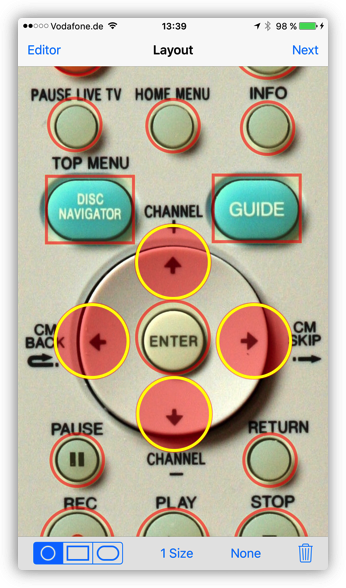
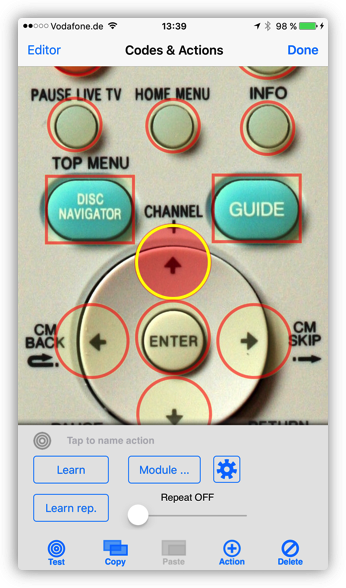
3. Learn the IR codes with the help of an assistant:
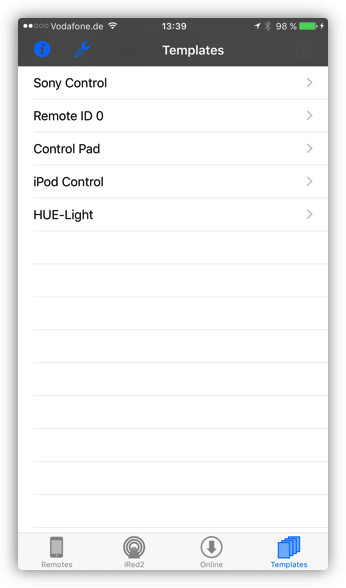
Much easier: Create a new remote from one of several template repositories:
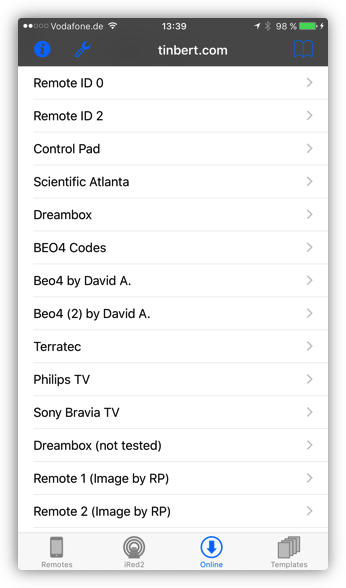
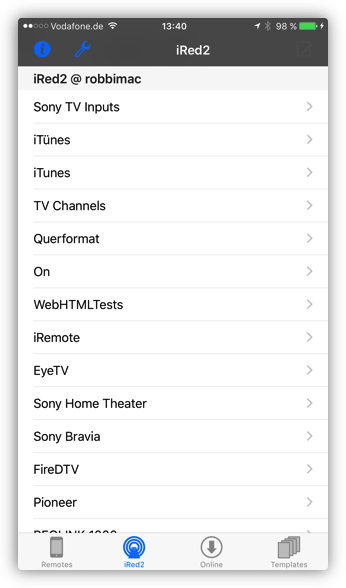
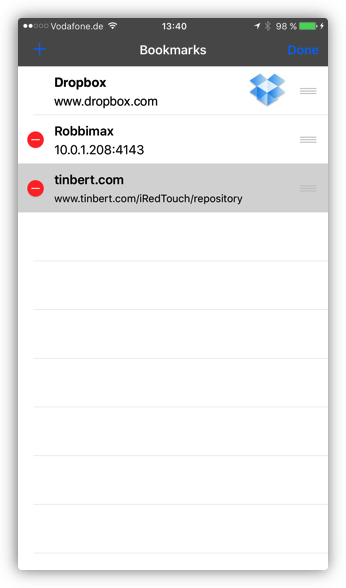
Any website may serve templates of remotes:
You can even copy remotes over from a second iPhone or iPodTouch